It's very hard to find the wechat IPA install package
This time, I asked an AI assistant to help me. It found the official HBB website and the HBB download drive.
(The hbb is a WeChat plugin,Which one can receive WeChat messages without a backend)
I wrote this article as a reminder, so I don't forget it later
1. Download the HBB QY WeChat IPA
The HBB official website is:
On the home page, I opened the HBB free-version download drive.
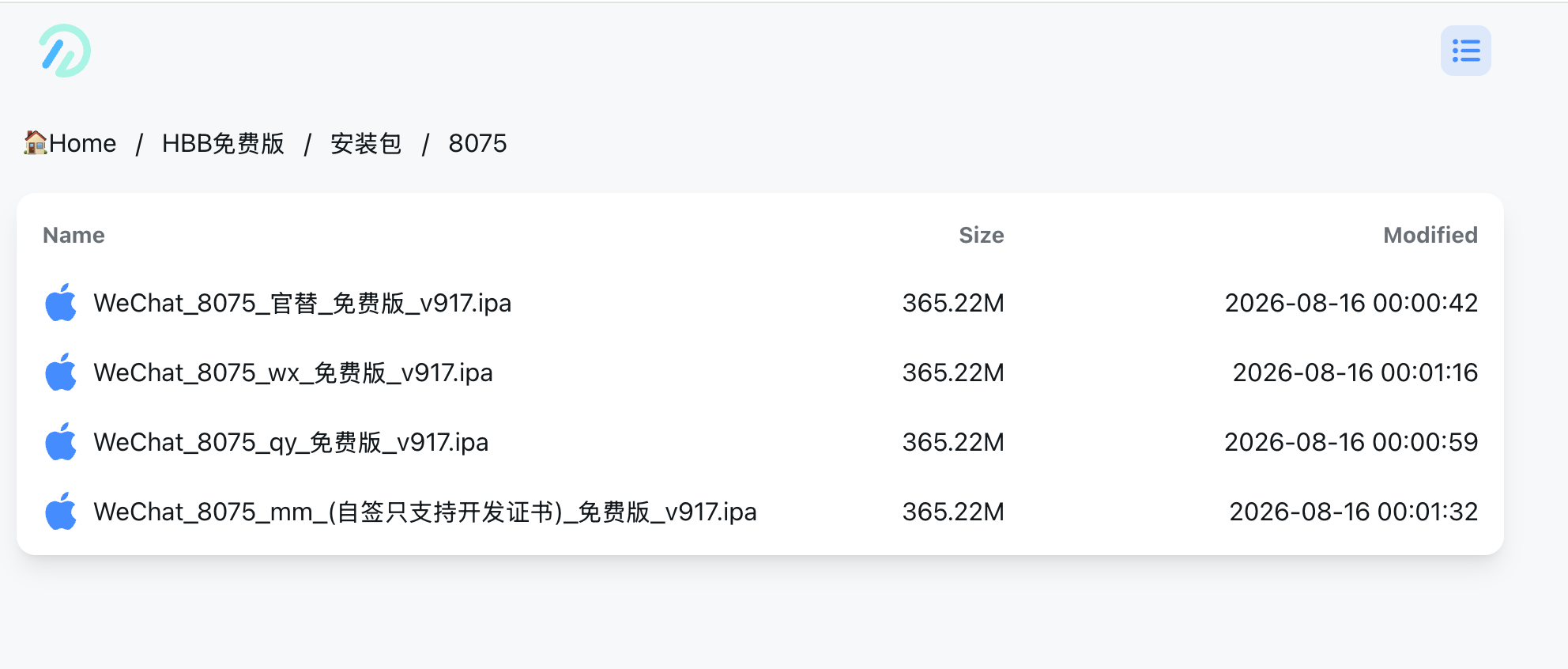
I chose the QY version.
HBB provides several packages, such as Official Replacement, WX, QY, and MM. I chose QY because I wanted to keep the official App Store WeChat and install one more WeChat next to it.
The QY package uses this Bundle ID:
text
com.tencent.qy.xinThe file name may look like this:
text
WeChat_8075_qy_Free_v915.ipaThe version number will change. The important part is qy.
2. Move the IPA to my iPhone
After downloading the IPA on my Mac, I sent it to my iPhone with AirDrop
At this point, the IPA is only an installation package. I cannot normally install it by tapping it because iOS requires a valid signature.
So the next thing I need is a signing certificate.
3. Get a signing certificate
The cheapest method is to use a free Apple account. However, a free Personal Team signature normally lasts only seven days. After seven days, I need to sign the app again.
I did not want to repeat this every week, so I bought a certificate on PDD. It cost about RMB 30. The seller said it could last for about one year.
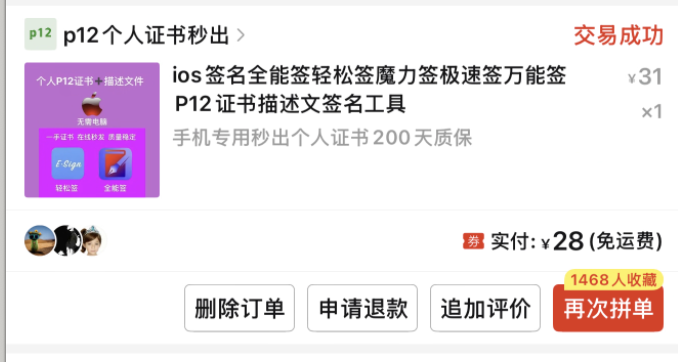
However, “one year” is not guaranteed.
I bought a certificate when I got my iPhone 17 Pro Max(2025-10-17), but it did not last for a full year. A shared certificate can be revoked early, and the signed app may suddenly stop opening.
so here it involves a problem:If the certificate expires, the WeChat you sign will not open, and your chat history will disappear.
So you should always back up your WeChat history.
For me, I logged into the second WeChat on the iPad version(in iPhone), so the chat history is on another Android phone. I don't care about this issue
There is another problem. Some certificates or provisioning profiles are tied to the UDID of one iPhone. If I buy an iPhone 18 Pro or a foldable iPhone next month or the month after, my current certificate package may not work on the new phone. The new phone has a different UDID.
So I treat this RMB 30 certificate as a temporary tool, Its cost might be very high than last purchase.
This year, I also paid Apple about USD 99 for an Apple Developer Program account. I learned that my own developer account can also sign apps without the normal seven-day free-signing limit.
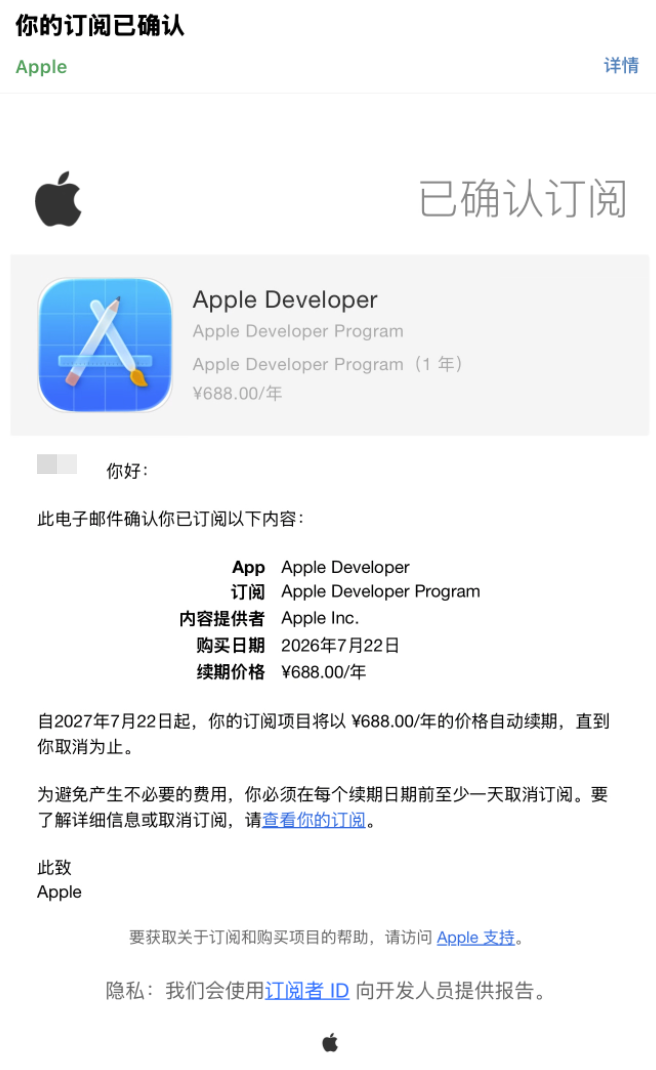
I have not tried this yet. When I get my next iPhone, I want to learn how to create my own certificate and provisioning profile.
4. Sign the IPA with QuanNengQian or NB Tools
After buying a certificate, I normally receive these files:
text
Certificate.p12
Profile.mobileprovision
Certificate password
I transfer them to the iPhone and import them into a signing app such as QuanNengQian or NB Tools.
The process is simple:
- Open QuanNengQian or NB Tools.
- Import the
.p12certificate.
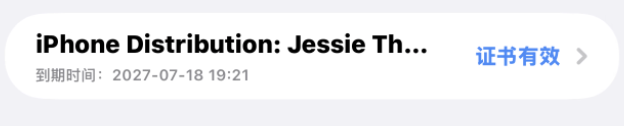
- Enter the certificate password.
- Import the
.mobileprovisionprofile. - Import the HBB QY IPA from the Files app.
- Choose the certificate and profile.
- Key point: change the Bundle identifier:com.tencent.qy.xin
- Tap Sign.
- When signing finishes, tap Install.
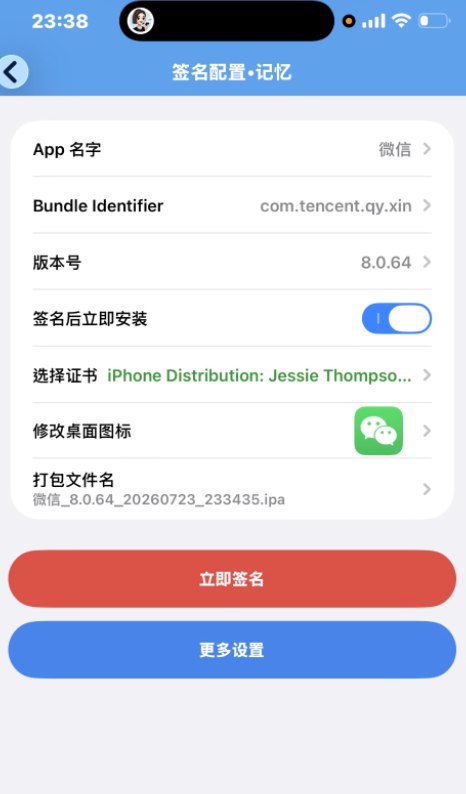
If iOS asks me to enable Developer Mode, I enable it and restart the phone.
After that, I can see two WeChat icons:
- the official WeChat from the App Store
- the HBB QY WeChat that I signed myself
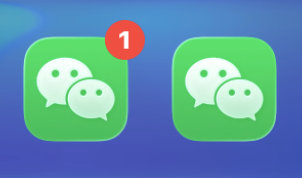
They can keep different login states because iOS treats them as different apps.
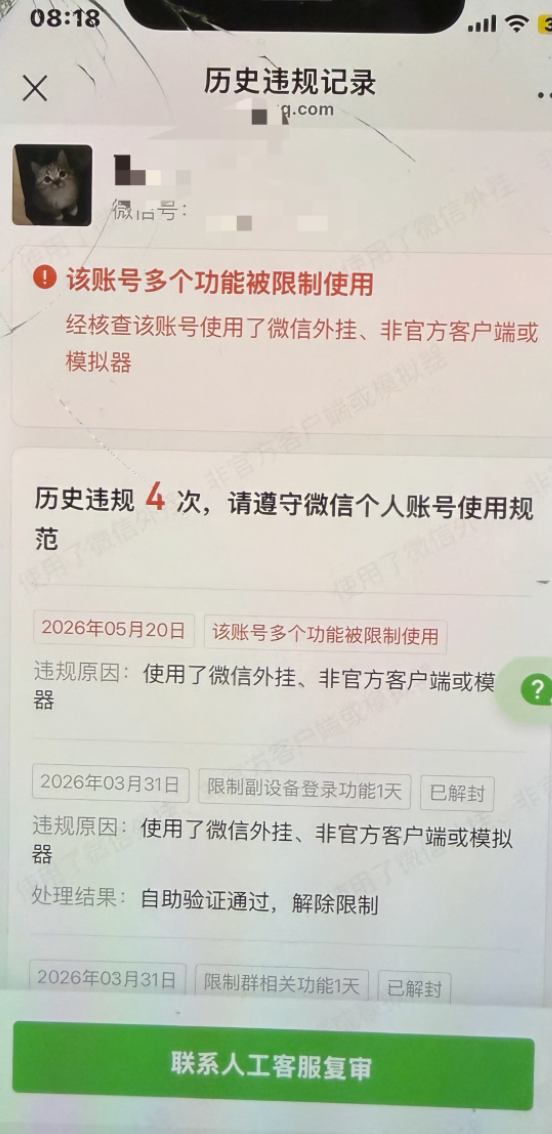
Warning
Don't directly use the multi-open WeChat to add friends
I found it will trigger WeChat's risk control
Because I was logging into the multi-open WeChat on the iPad version.
So you can log out on the iPhone and add friends using your other Android iPhone,In this way, it won't trigger the risk control
Summary
Tested setup: iPhone 17 Pro Max, iOS 26.5, WeChat 8.0.75 Test date: August 23, 2026